

Take Control of Your Inbox with
Gmail Cleaner
A lightweight, secure, and blazing-fast tool to mass-delete thousands of unwanted emails. Privacy-first design with Lifetime Access.
Secure Authentication
Log in safely using Google’s App Password system. Your primary password remains private and is never stored or seen.

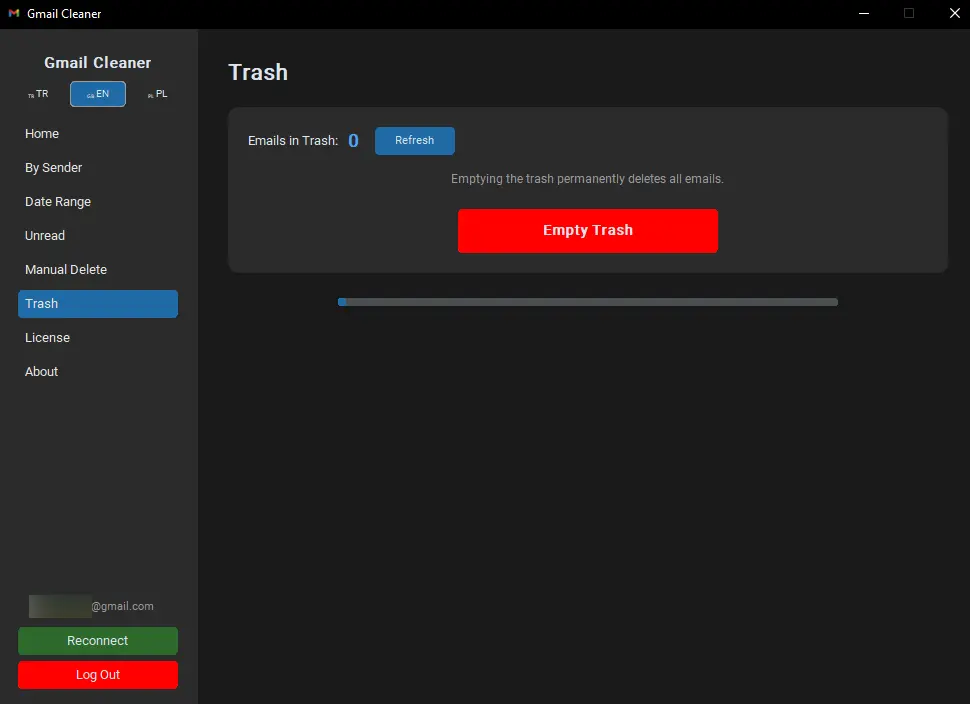
Recycle Bin Management
Safely move items to trash or empty them permanently. You decide how your storage is recovered. One Click TRASH Cleaning…
Intuitive Dashboard
Get a clear overview of your inbox status. A clean, dark-themed interface designed for maximum efficiency.

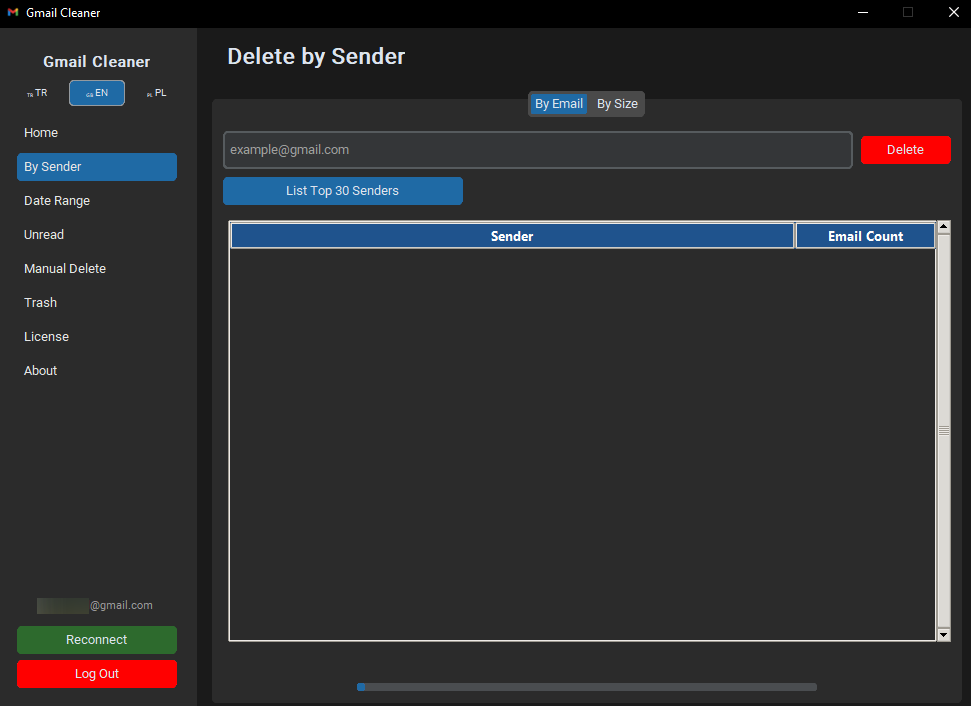
Delete by Sender
Instantly identify and wipe out thousands of newsletters or promotional emails from specific senders.
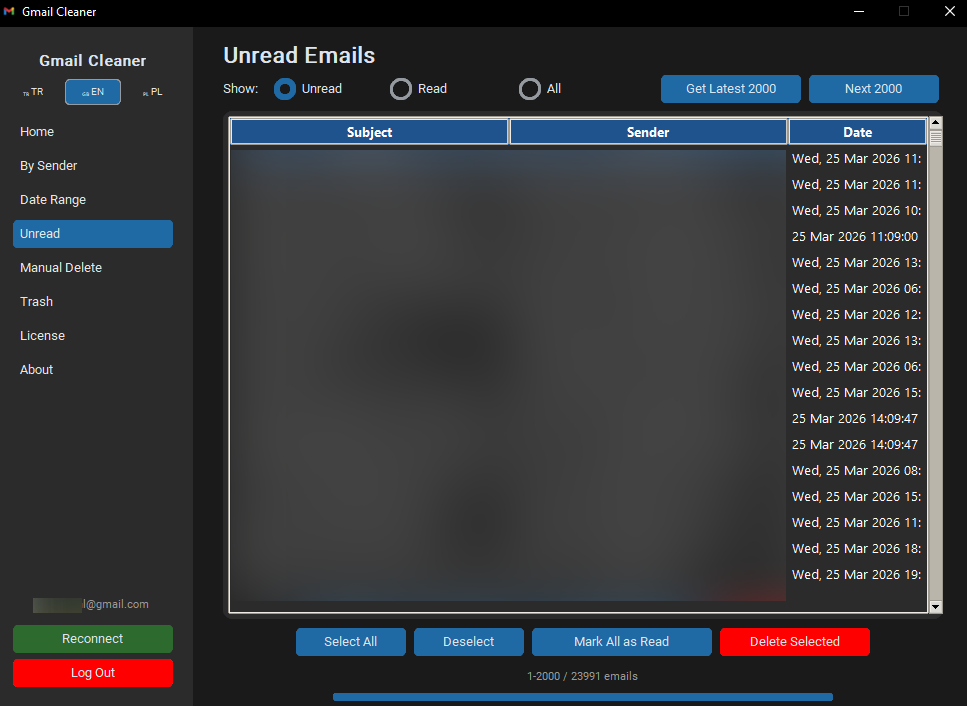
Target Unread Mails
Locate years of unread clutter instantly. Clear your notification backlog without manual scrolling.
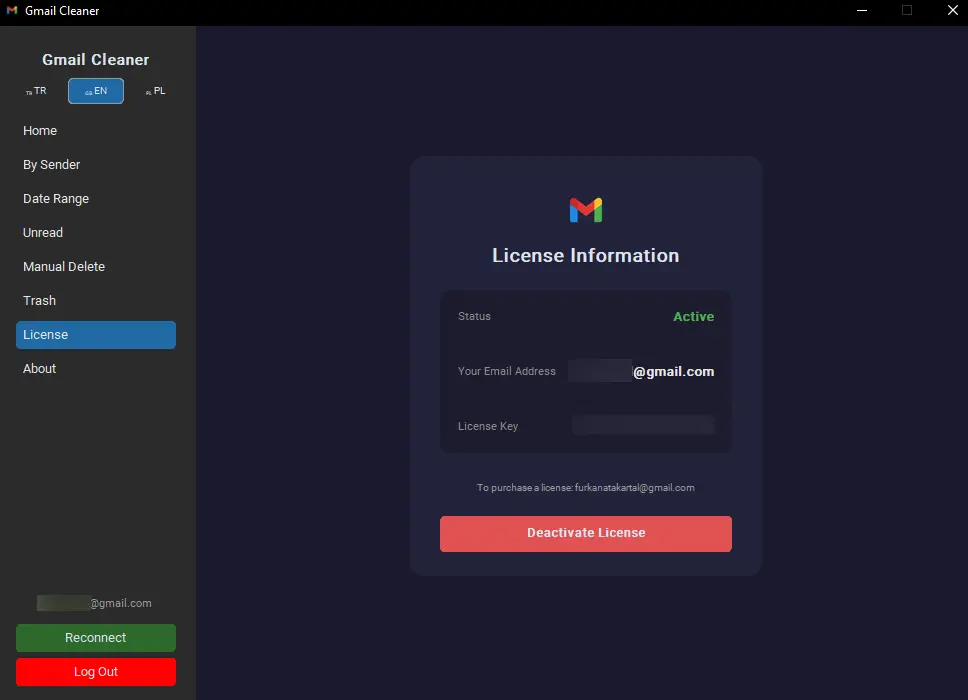
Seamless License Management
Enjoy a hassle-free activation process. Your license is securely linked to your Gmail address. View your active status or easily Deactivate License to move your lifetime key to another PC whenever you need to. One-time purchase, infinite control.
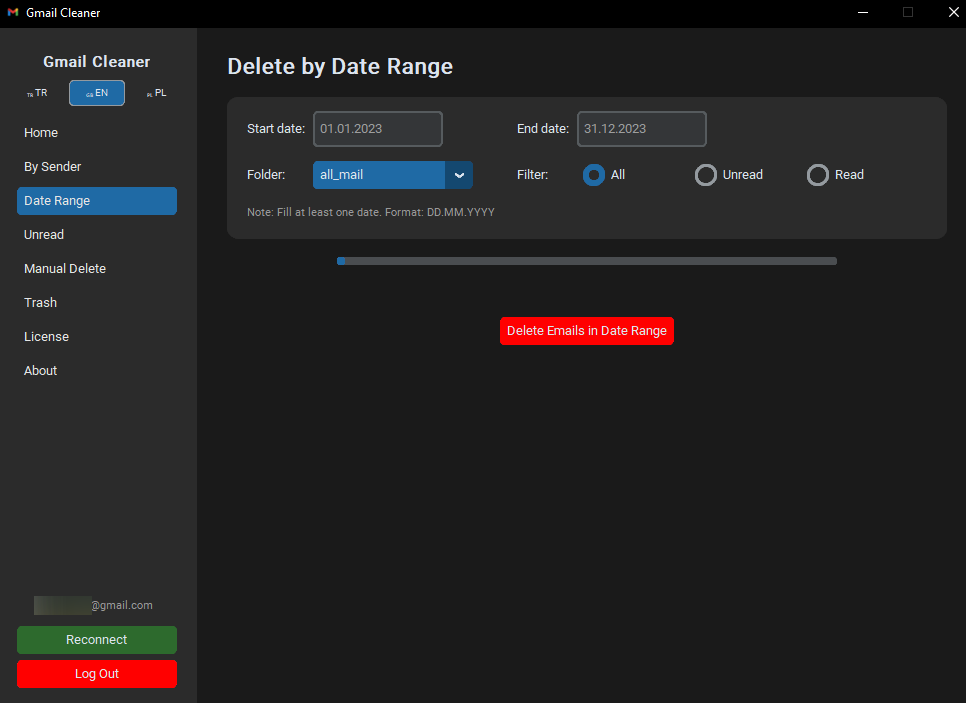
Date Specific Purge
Need to delete everything before 2023? Set your date range and watch the clutter disappear.
Manual Selection
Full control in your hands. Manually pick the emails you want to trash or keep with a simple interface.


Security Guide
How to Create Your Gmail App Password?
To ensure your primary Google password remains private, our tool uses an App Password. This is a 16-digit code that grants secure access without sharing your main credentials.
Follow these simple steps:
- Go to Google Account: Open myaccount.google.com.
- Security Tab: Click on “Security” in the left menu.
- 2-Step Verification: Ensure it is turned ON (Required by Google).
- App Passwords: Search for “App passwords” in the top search bar.
- Generate: Enter a name (e.g., “Gmail Cleaner”) and click Create.
- Copy & Paste: Use the 16-character code in the yellow box for our program.
Note: You only need to do this once. You can revoke this password at any time via your Google settings.